


Description
Poster Printing
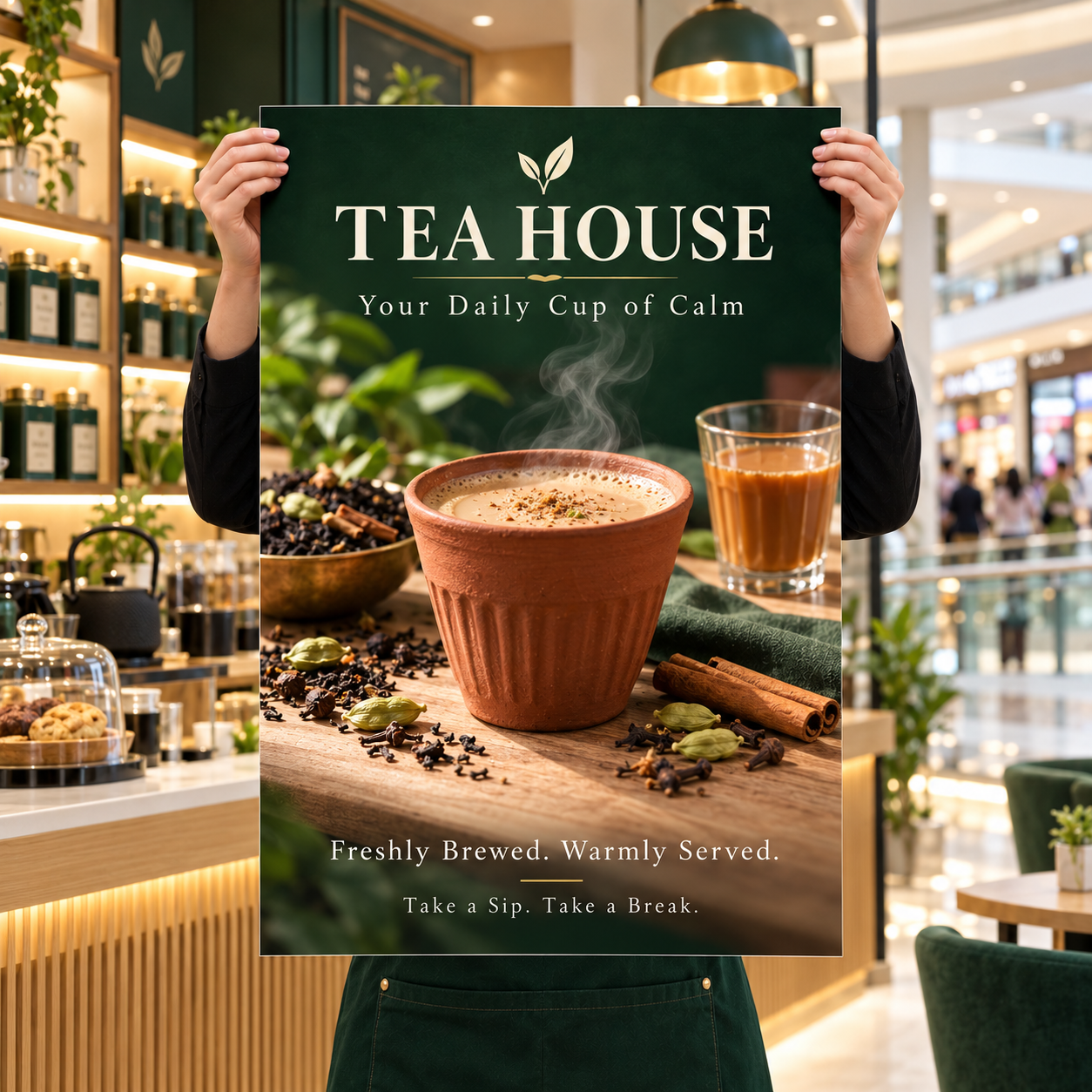
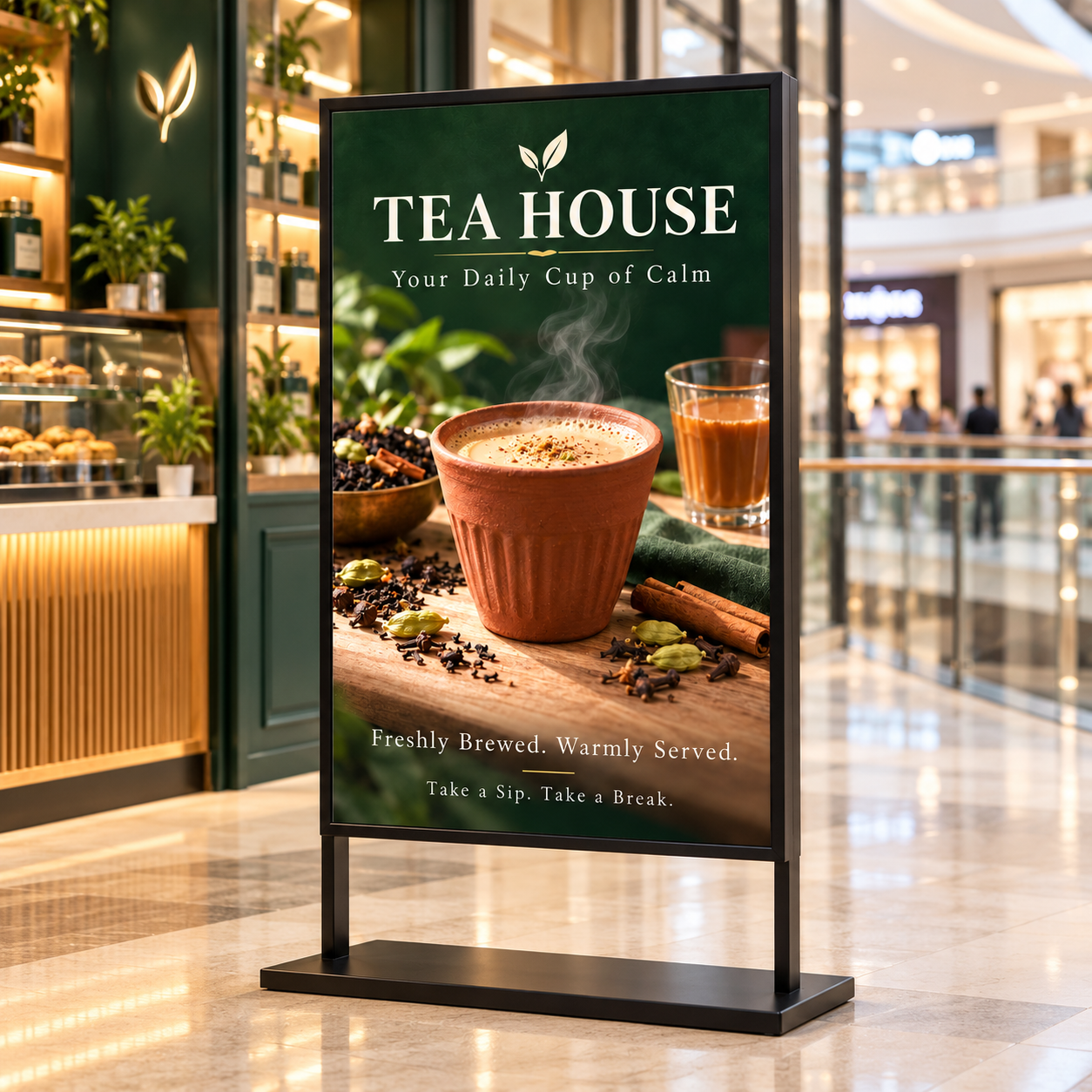
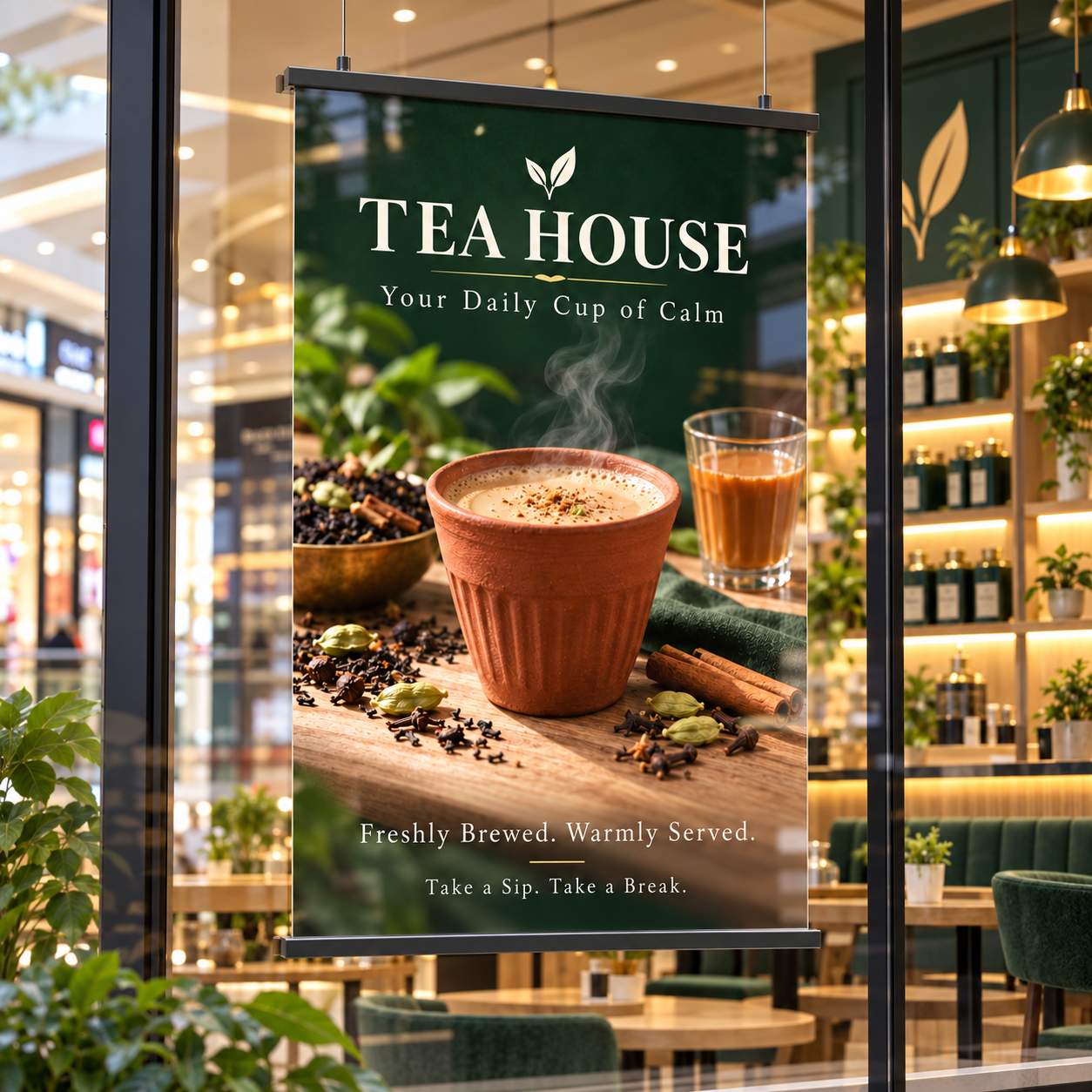
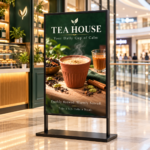
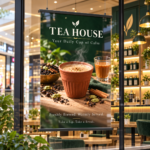
Posters are printed on one side and intended for display. There are many other uses, such as in-store signage, point-of-purchase displays, product advertising, sporting events, mall retail location, and information and directions. Consider Posters any time you want to convey the same information to everyone at a specific location.
Posters can be a great product for people to buy as souvenirs or art displays. Paper Posters are printed on photo-quality matte paper stock. They can be used to print enlarged photos, signs, artworks, etc. They are delicate and not waterproof. If you are looking to print posters in bulk, please visit our bulk printing posters page. For mounted posters, please visit our mounted posters page.
Custom Size Poster Printing
Printleaf offers custom-size Large Format Poster Printing on a variety of paper types, including gloss and matte. We make it easy to order custom-size prints by offering a wide range of sizes from 11″ x 17″ to 52″ x 1200″. Utilizing large format printing technology, we are able to make large poster prints. We are dedicated to providing you with the best quality and service. Our skilled printing experts are here to help you choose the perfect poster size to fit your needs.
Features
- Maximum Size: 52″ x 1200″
- High-resolution digitally printed
- Print on one side only
- UV safe that will last for years
Material
- 8 mil. Matte Poster Paper
Common Poster Prints Sizes
11″ x 17″ – This is the most common poster size. It’s standard frame size and fits into standard frames with ease. 11×17 posters are also commonly used as trade show graphics. Other standard sizes include: 12″ x 18″, 11″ x 22″, 13″ x 19″, 15″ x 22″, 16″ x 24″, 18″ x 24″, 18″ x 30″, 20″ x 30″, 24″ x 36″, 24″ x 48″, 27″ x 40″, 30″ x 40″, and a huge 36″ x 48″
Pictures to Posters
If you want to print out your pictures on large posters, you will need to set up your files in the correct sizes and pdf format. This will ensure that your poster prints out in the correct sizes. For example, if you have a picture of yourself and a friend and you want to print it on an 11×17 poster, you will need to set up your file in the correct size. This means that you must have an 11×17 picture and not an 8×10 or 4×6. If you don’t, your poster will print out the wrong size. You do not need to add bleeds to get borderless prints, it will be taken care of on your behalf. If you are looking to put your posters on an easel, we recommend going with our foam board posters.
Giant Poster Printing
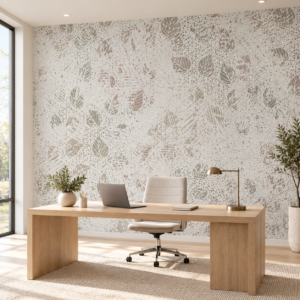
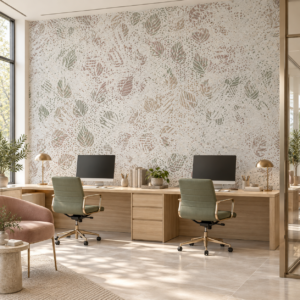
Our large printers allow for big and jumbo poster prints. Because we use roll paper, the maximum poser width can be 52″ and the maximum height can be 1200″ (a little over 11 feet). This is great for large spaces such as gymnasiums, restaurants, and businesses. Keep in mind posters are not meant for outdoor usage, as they are not waterproof, for outdoor posters, vinyl banners are a better option.
A4 Poster Printing
The A4 poster size is the most common poster size available. This means that if you are printing a standard-sized poster, you can get it printed at printleaf.com without having to worry about the size or orientation of your file.
Poster Printing Tips
Use a photo editing program such as Photoshop or Gimp to crop your image into the correct aspect ratio. If you are printing a landscape poster, make sure your image is a landscape image. If you are printing a portrait poster, make sure your image is a portrait image.
Poster Design Resources
There are many resources available online to help you design your own poster. Here are a few of the best: Adobe photoshop illustrator, and canvas. They offer templates so you are not starting from a blank page, and they offer many different layouts, fonts, and templates to choose from. Design Your Own Poster – Once you have found a poster design that you like, or if you are designing your own poster from scratch, the following is a guide to help you create your own unique poster design.
Poster Design Tips
- Use a picture that is relevant to your topic. If you are making a poster about the food chain, use pictures of animals in their natural habitat or pictures of the food chain.
- Use a picture that is large enough to fill the space on your poster, but not too big (unless it’s a landscape format poster).
- Don’t use words that are hard to read. Make sure that the font you choose is large enough for people to see from a distance.
- Use different fonts and colors – this will make your poster more interesting, but be careful not to use too many fonts or colors.
- Use a picture that has a lot of detail, but don’t make it too small – if you can’t see the details in the picture, then people won’t be able to see them on your poster.
- Use a picture that is in focus, and one where the colors are bright and clear. If you find it hard to take a good picture, ask an adult for help.
- Choose a picture that is relevant to your topic – this will make it easier for people to remember what your poster is about.
- Make sure the picture is not too small. The picture should take up at least half of the poster and there should be some space around it.
- Use a high-quality printer and paper to print your posters – this will make the colors look clearer and more detailed.
Reviews
There are no reviews yet.